

Keep your place
Review a document alongside the list or workspace you opened it from.
Many moving parts.
Consistent workspace.
Keep the list, the record, and related work in view. Move between tasks without closing what you need or retracing your steps.
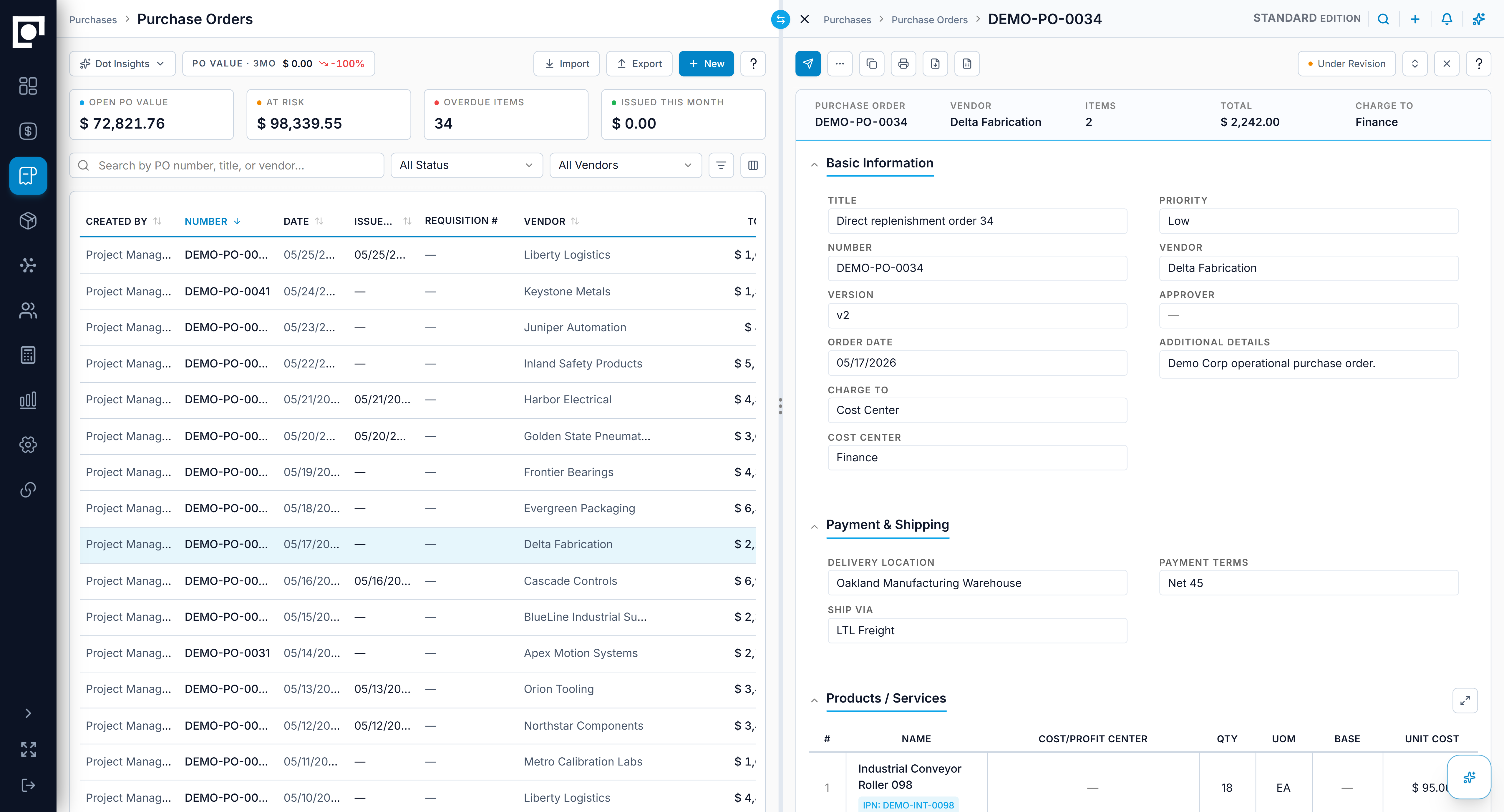
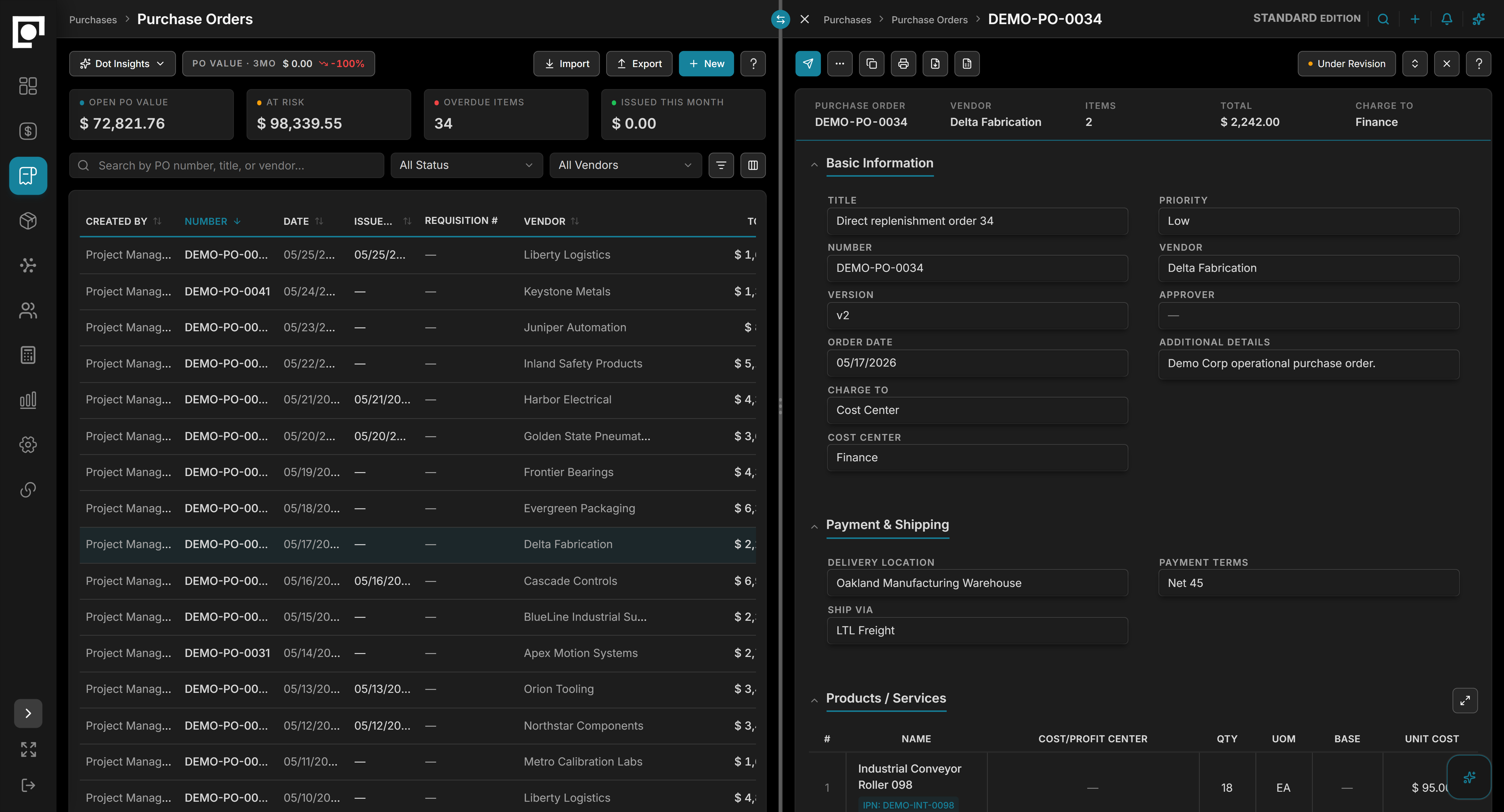
Review a document alongside the list or workspace you opened it from.
Open connected records together to compare, check, and make decisions.
Review the next record while keeping the surrounding list in view.
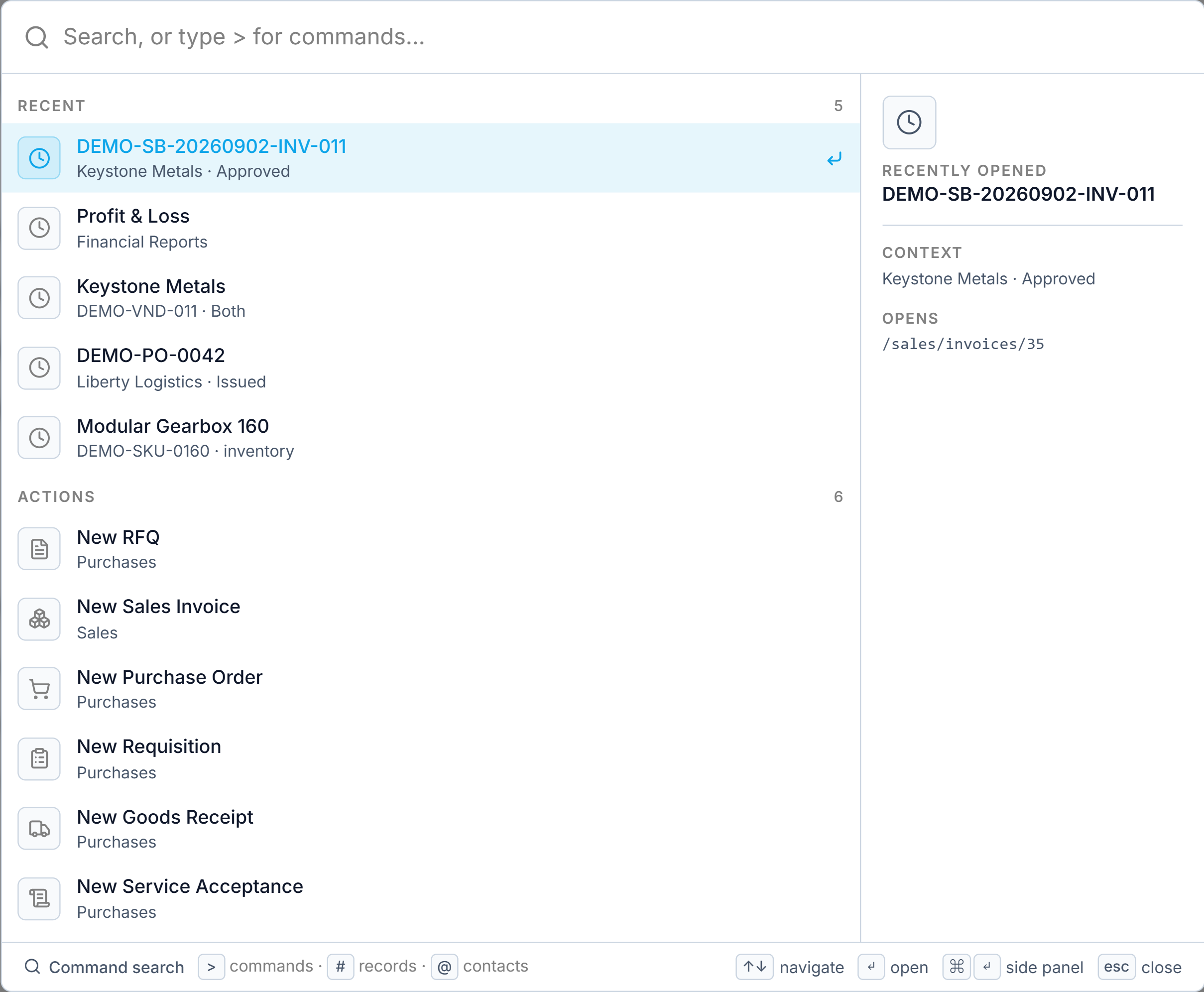
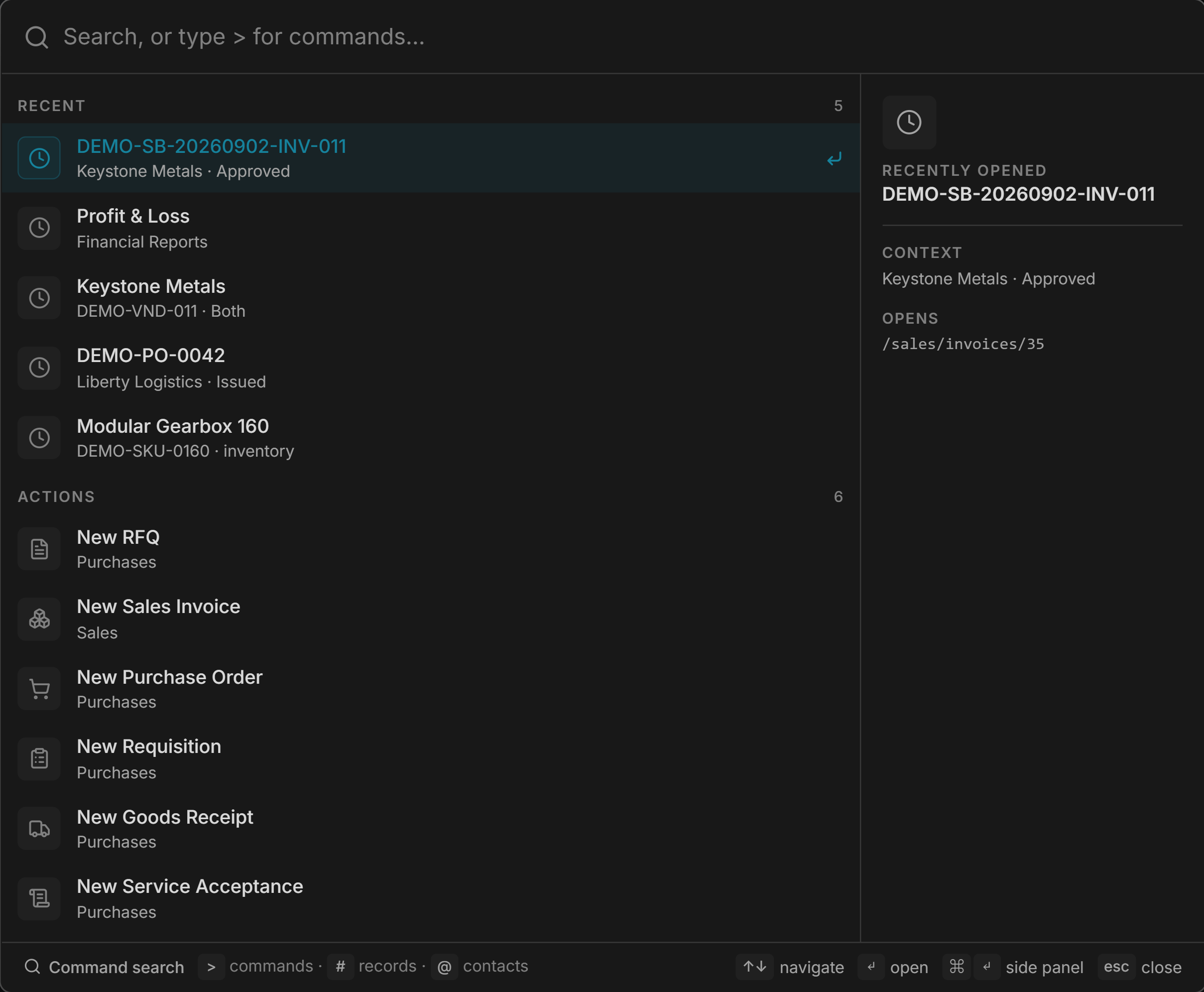
As your operation grows, finding the right record should stay simple. Command Center brings search, navigation, and common actions into one place—so you can locate a document, open a workspace, or begin the next task without working through menus. Results and actions follow your company context and permissions.
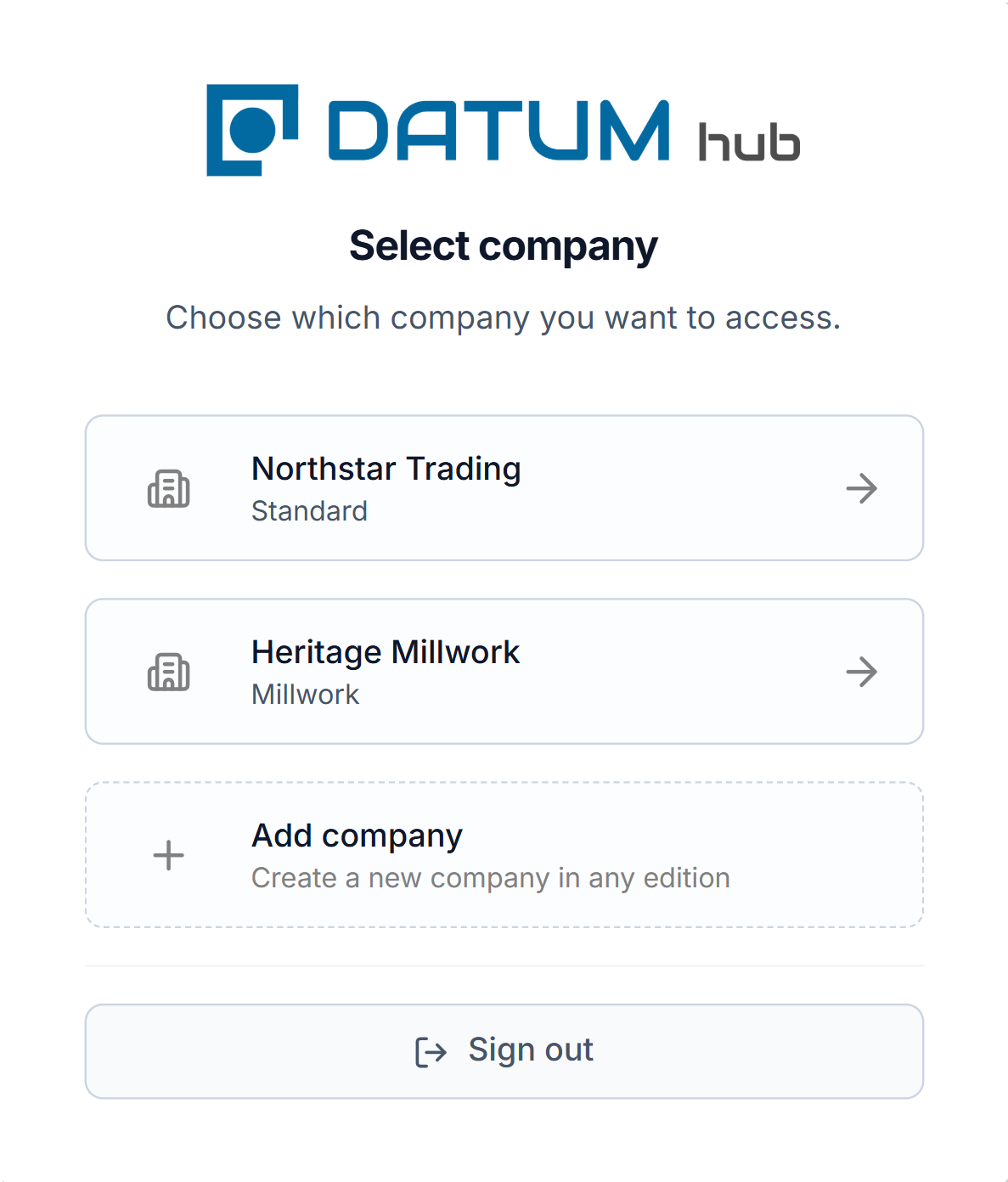
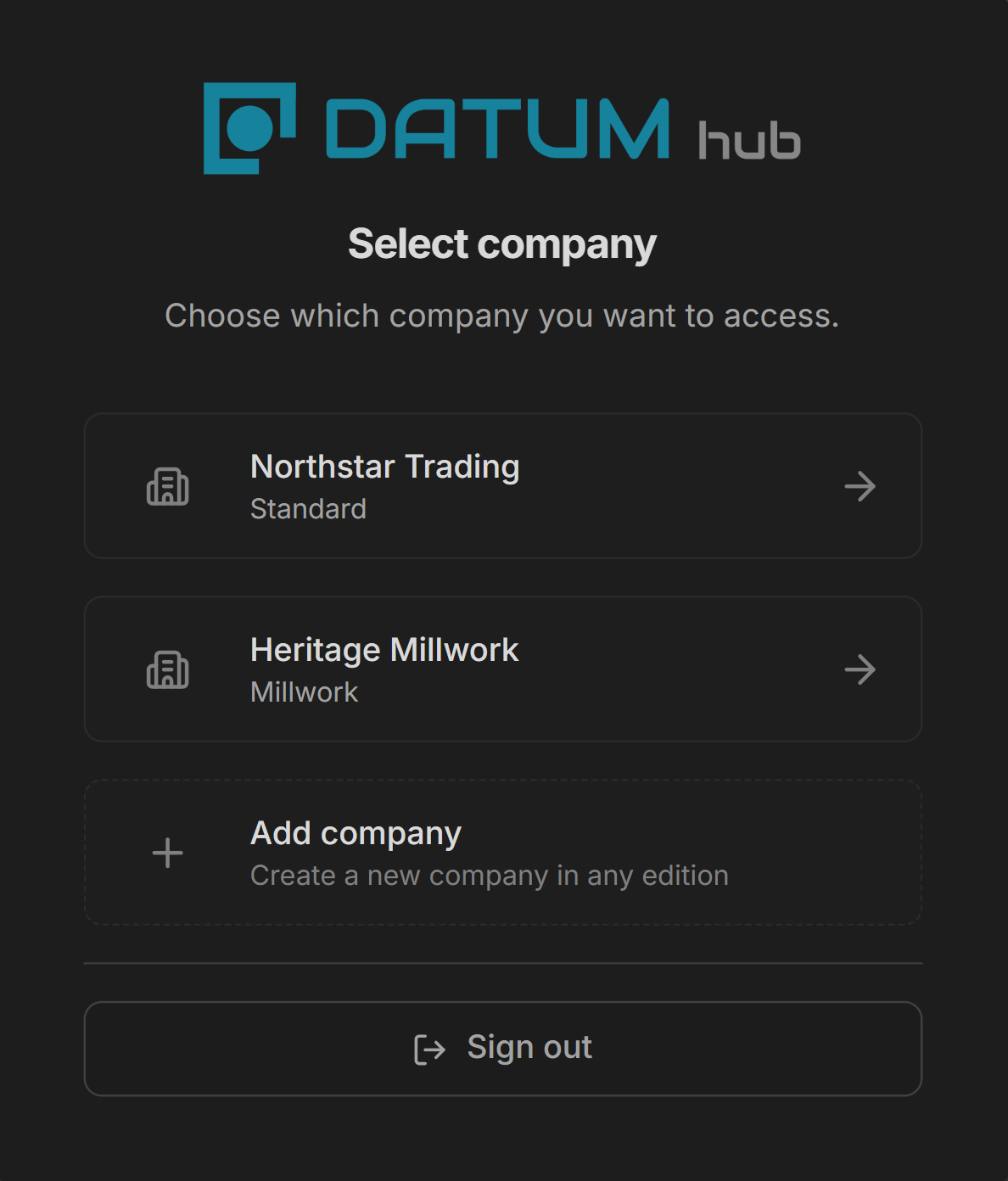
If you work across multiple businesses, switch between the companies you have access to without signing in again. Each company opens with its own records, edition, and permissions.
Bring spreadsheets, CSVs, and PDFs into the import workspace. Clean up the structure, map fields, and resolve flagged issues before reviewing what will enter Datum.
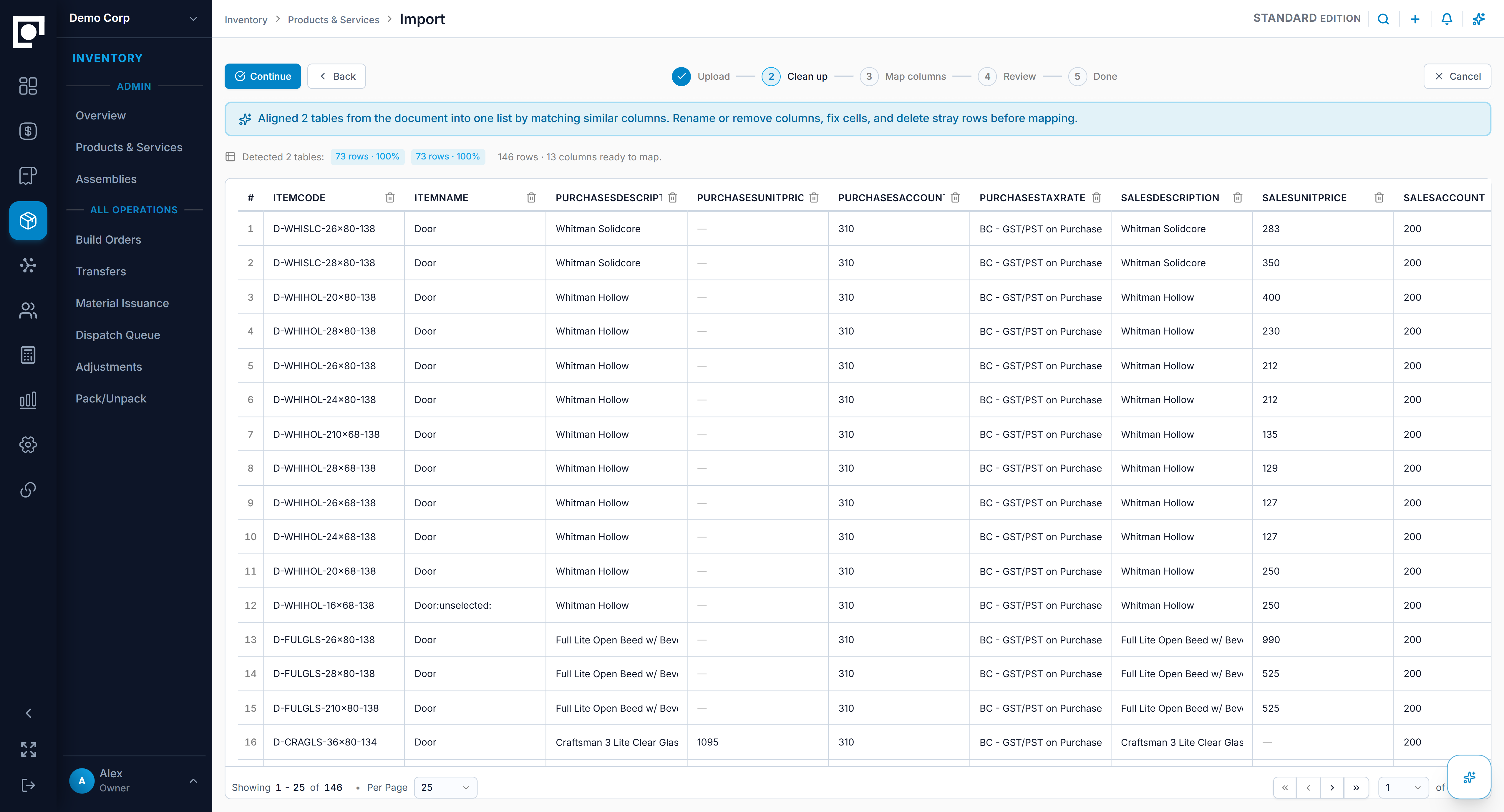
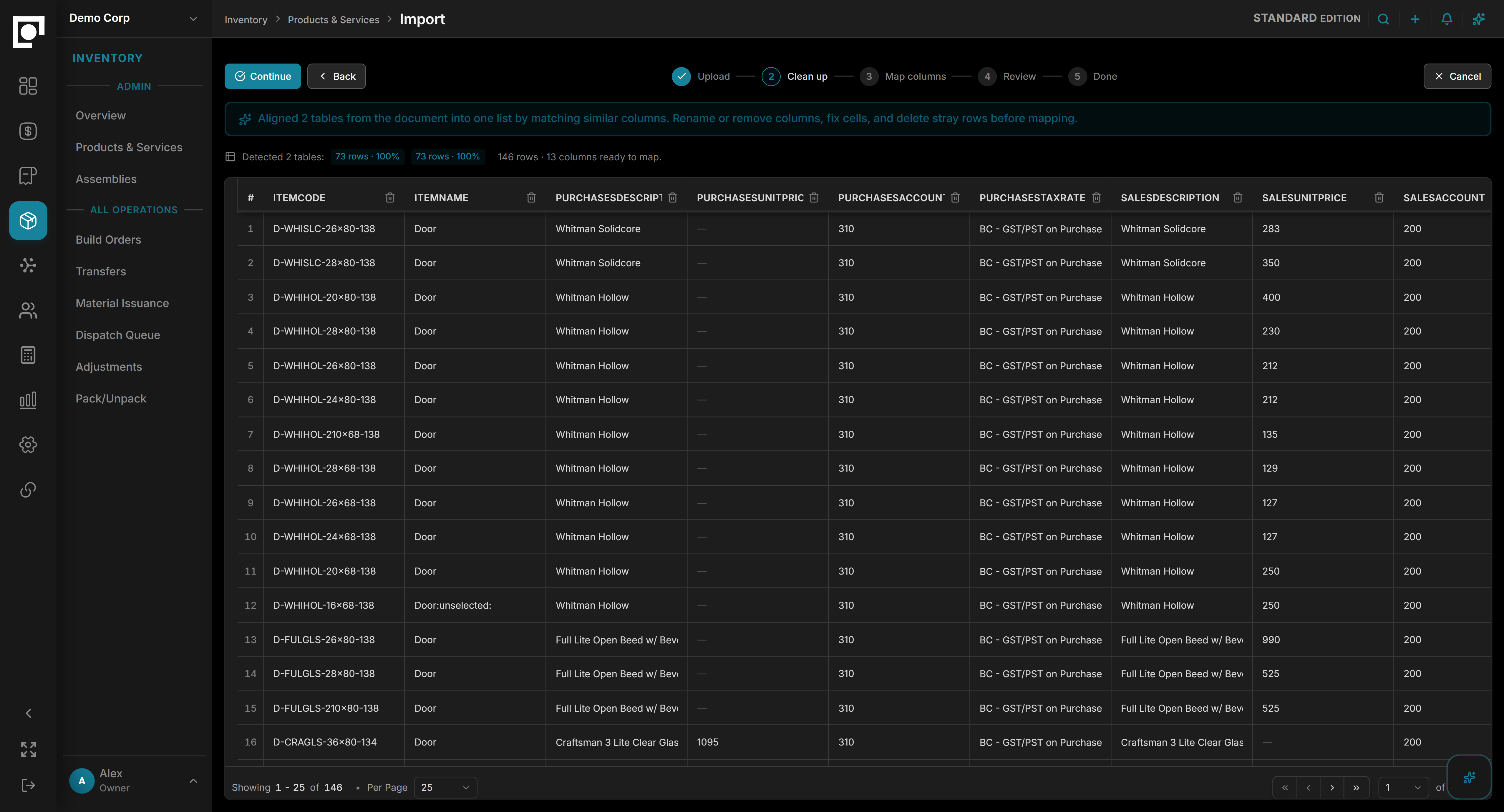
Detect tables, headers, blank columns, and inconsistent layouts.
Rename columns, repair cells, remove stray rows, and sanitize values.
Suggest Datum fields with confidence scores while keeping users in control.
Surface duplicates, missing references, and errors with suggested resolutions.
Preview new, updated, unchanged, duplicate and skipped rows before committing.
Everyday settings cover roles, approval paths, and standard workflows. Most specialist requirements are met there, or by your edition's standard modules.
Where they don't, we develop custom modules for your company, tailored around the tasks and processes your business actually needs, with access, delivery, and support agreed as part of the scope.
Standard brings together everyday business operations. Millwork adds specialist workflows for millwork projects and production. Finance brings multiple companies or accounting books into one workspace, each managed in its own currency, with consolidated reporting across them. Each edition builds on the same Datum foundation, with capabilities suited to the work it serves.
Run purchasing, inventory, sales, project delivery, and accounting from one system. Turn requisitions into supplier orders, reserve and move stock, fulfill customer orders, and follow invoices, payments, and costs across the business.
Manage custom cabinetry, joinery, and architectural millwork from estimate and material take-off through purchasing and production. Organize each job into assemblies and material requirements, then coordinate purchasing and build orders. Keep design revisions, material shortages, and production costs tied to the job.
Consolidate financial data across multiple companies and currencies, then report on the combined financial picture. Use cost and profit centers to understand costs and revenues, manage outstanding balances, and trace reported results to the activity behind them.
One login moves you across companies and editions within the unified workspace.
Familiar interactions across editions help people move between companies with less to relearn.
Company data separation, permissions, and audit history underpin every edition.
Dot works from the operational context of whichever edition you are in.
Every edition shares one core. Improvements to Dot, security, integrations, and core workflows reach every edition, while specialist depth is added only where it gives an operation a real advantage.
New editions arrive where businesses share that backbone but need distinct product models, terminology, compliance, or execution workflows.
The core gets stronger. Each vertical stays focused.
Dot · Security · Integrations
Built on the same operational foundation
A ready-made setup for a way of working: Standard for everyday operations, Millwork for millwork projects and production, and Finance for running more than one company or set of books.
Yes. One login covers every company that person is authorized to access, each with its own records and its own currency.
Through a Dot-assisted import that maps your current records into Datum before you go live.
Configuration comes first: roles, approvals and settings cover most specialist work. Company-specific modules are developed only where standard capabilities do not reach, and are scoped, quoted and supported separately. Recurring patterns become new editions rather than per-customer code.