Operational reality
mapped to your books.

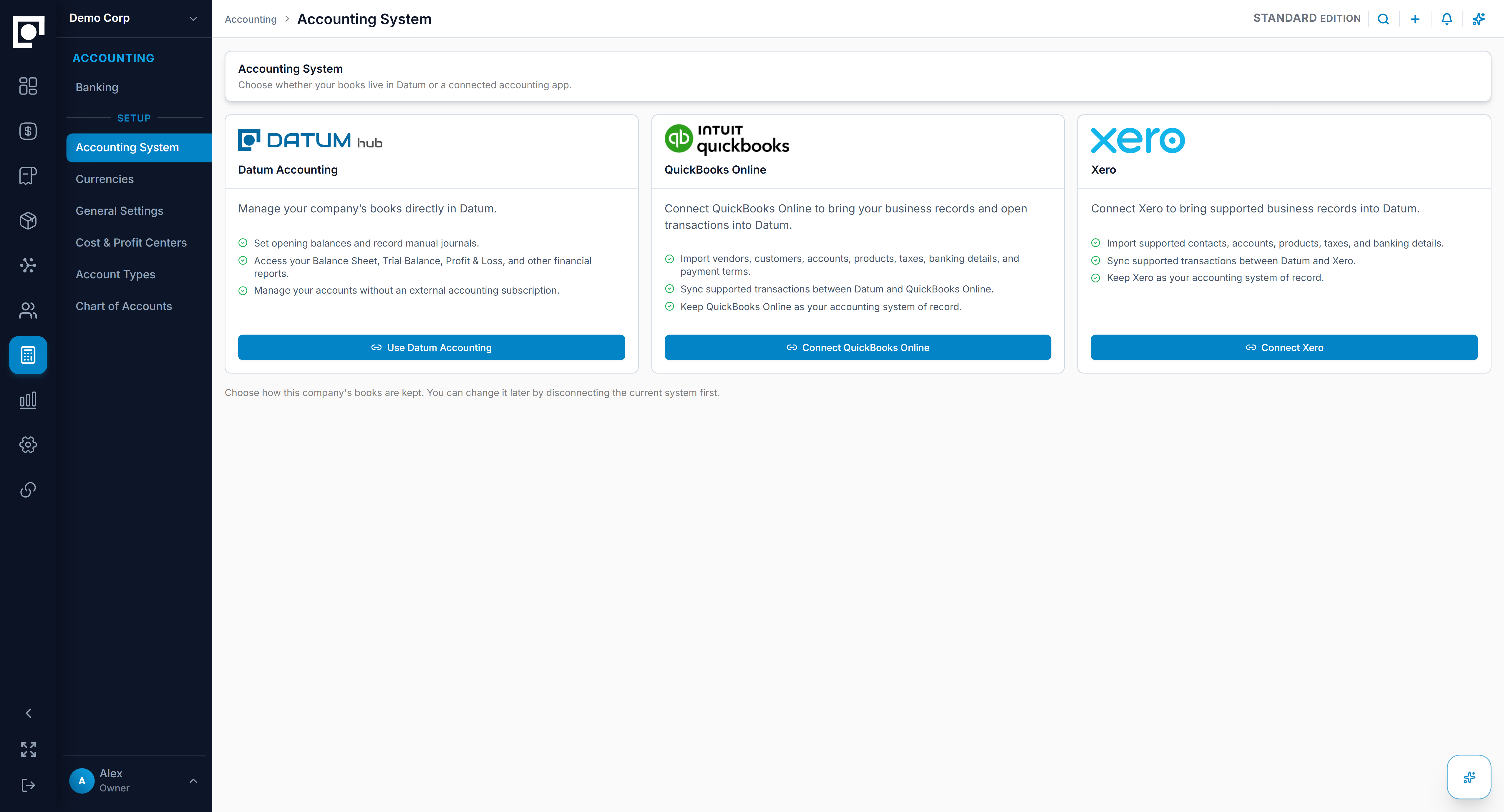
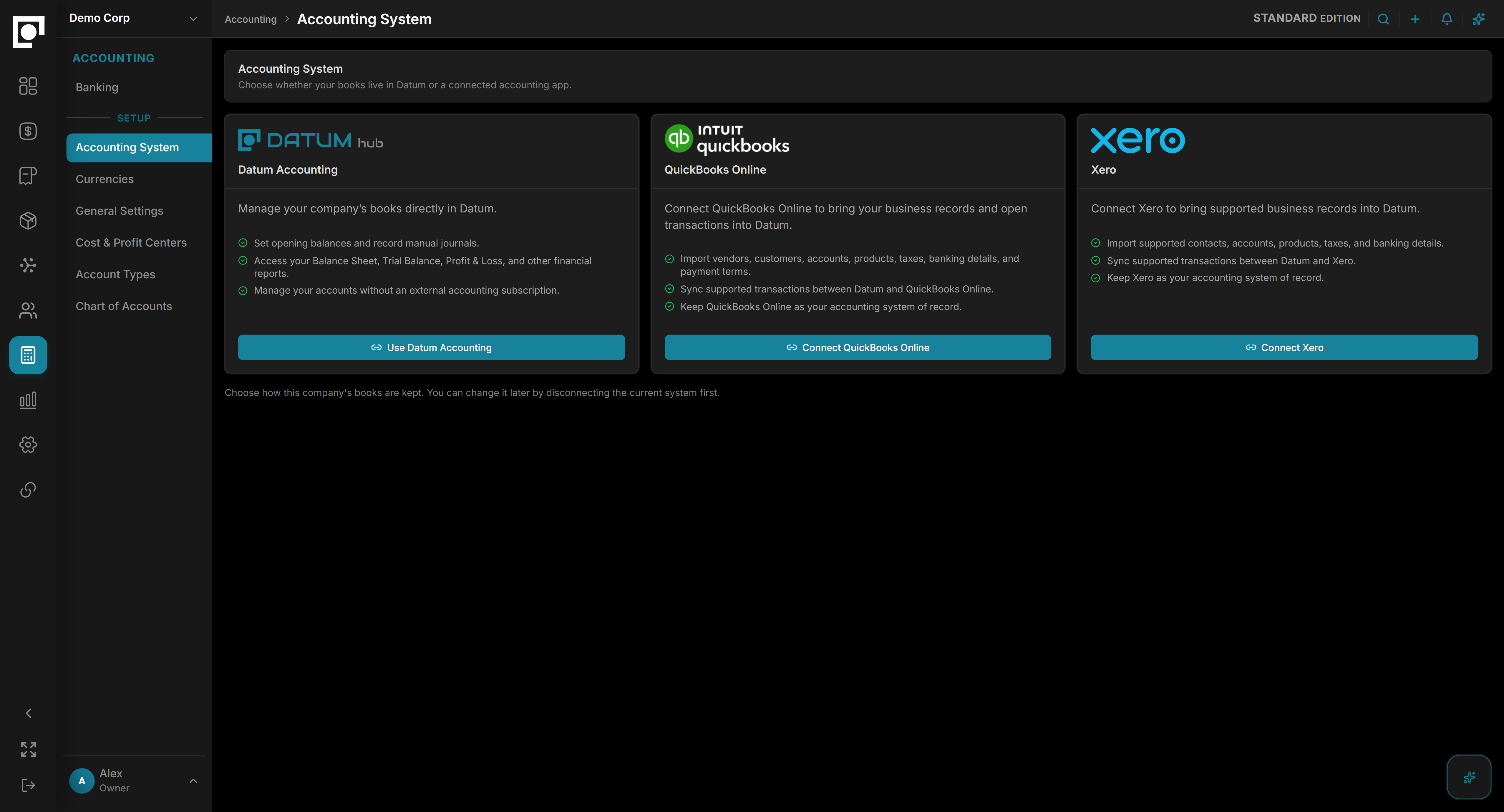
Datum keeps accounting connected to operations, whether you use its native ledger, QuickBooks Online, or Xero. Every invoice, bill, payment, receipt, or other financial transaction in Datum carries the work that created it.

A financial path that fits
the way you operate.

Datum supports a native accounting foundation and connections to established accounting products. The right path is configured for your organization and edition.

CONNECTED

Keep the accounting product your team already uses.

Datum connects approved operational records with QuickBooks Online or Xero while keeping operators in the workflows they run.

  • Review before synchronization
  • Clear ownership of each business record
  • Visible status, errors, retries, and history

The entry is only useful
when you can explain it.

Datum is built so a financial consequence can retain the evidence of the work that created it: the order, receipt, build, invoice, payment, user, and approval path.

That connection makes review faster, exceptions easier to investigate, and reporting more useful to the people running the operation.

01 · OPERATION

The work happens

Order · receipt · build · invoice

02 · EVIDENCE

Context stays attached

Source · approval · actor · document

03 · ACCOUNTING

The books reflect it

Entry · settlement · balance · report

Enough structure for control.
Enough context for action.

Datum brings the core financial disciplines together — the ledger, the balances either side of it, the cash behind them, and the reporting that explains the result.

Receivables and payables

Keep customer and supplier balances close to the orders, bills, receipts, credits, and settlements behind them.

Banking and cash

Bring bank accounts, transfers, deposits, charges, and cash activity into a controlled financial workflow.

The general ledger

Build an explainable double-entry record with a chart of accounts, opening balances, journals, and controlled reversals.

Multi-currency

Carry transaction currency, accounting currency, rates, and revaluation through the financial record.

Books and entities

Organize accounting evidence across companies, branches, or other reporting boundaries without losing operational origin.

Reporting and explanation

Move from balances and statements back to the records behind the number.

Keep the handoff visible.
Keep ownership clear.

When QuickBooks Online or Xero owns the books, approved records move through a controlled connection. Teams can review what is ready, see what synchronized, and follow an exception without guessing.

  • Approved records enter a visible staging path
  • External references keep later updates tied to the right record
  • Failures and retries remain visible and attributable
Datum accounting connection workspaceDatum accounting connection workspace

Common questions.

  • Does Datum work with QuickBooks Online?

    Yes. It is one of the two ways to run your accounting with Datum.

  • Does Datum work with Xero?

    Yes, on the same basis as QuickBooks Online.

  • Do we need QuickBooks or Xero to use Datum?

    No. Datum has its own accounting built in. Keeping outside books is a choice, not a requirement.

  • Can Datum consolidate more than one company's books?

    Yes, in the Finance edition. Each company or set of books keeps its own currency with consolidated reporting across them.

Connect the operation to the financial picture.