Record
One operational picture across documents, stock, projects, contacts, costs and commitments.
Connected data

Turn operational
data into action.
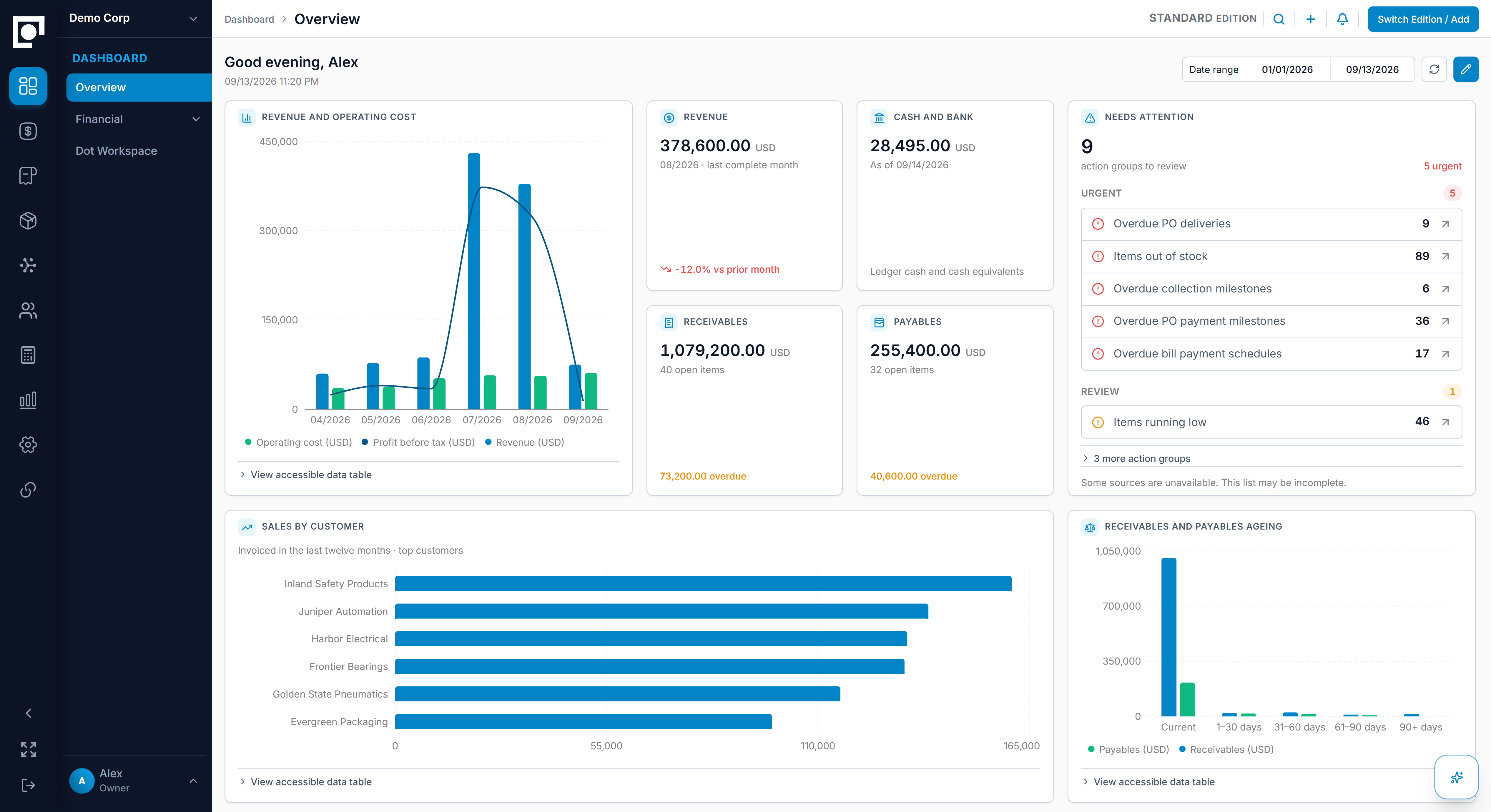
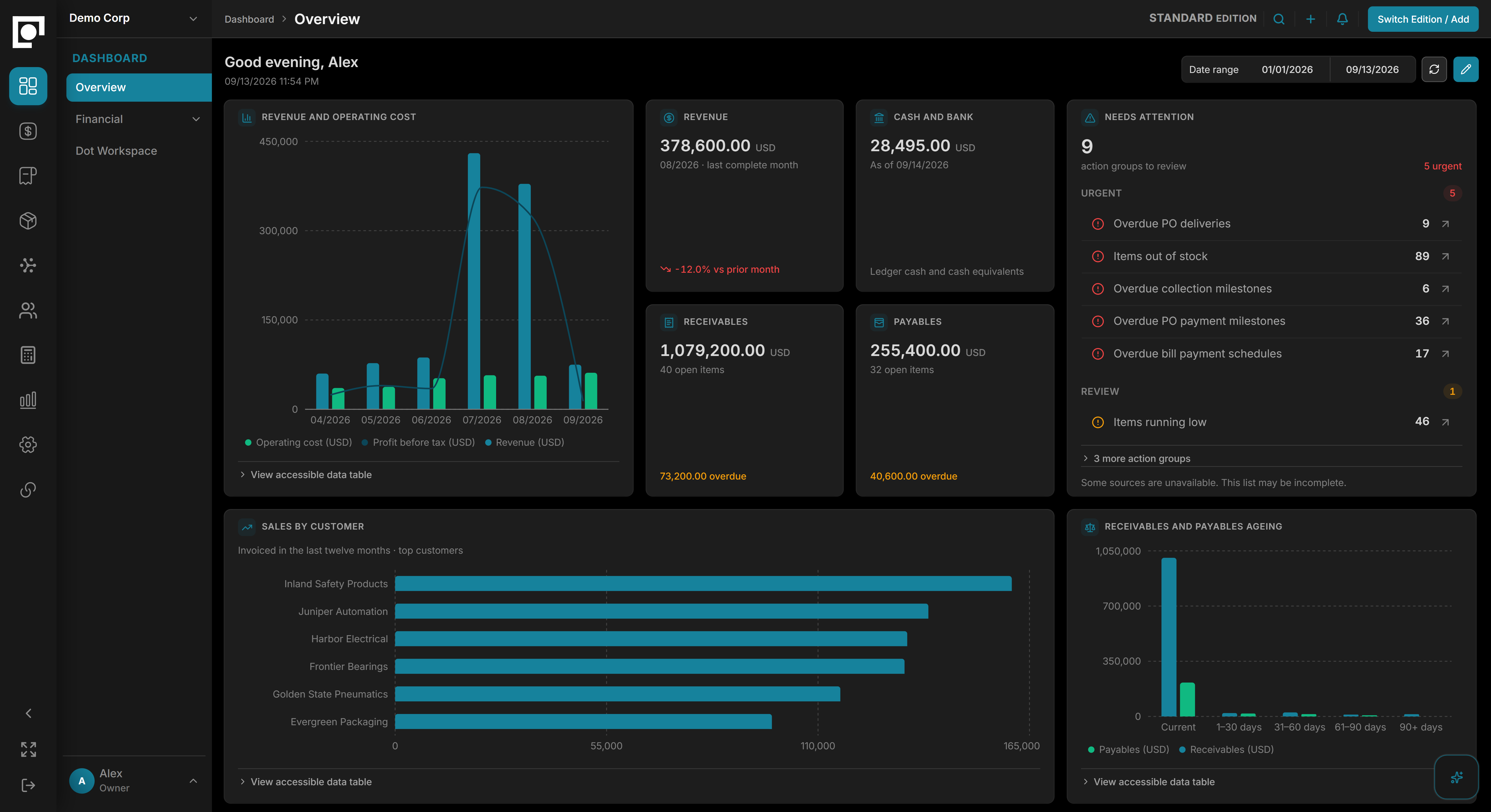
Datum connects operational context across your business, shows your team what matters and what needs attention, and gives them a clear next step.
One operational picture across documents, stock, projects, contacts, costs and commitments.
Connected dataUnderstand a shortage, a late payment, or a change in project cost.
Grounded understandingDraft documents, prepare a response and move work through the people responsible for it.
Work moves forwardFollow context from the first request to the final event — without spreadsheets between modules.
Quotation → Sales Order → Dispatch → Invoice → Receipt
Requisition → RFQ → PO → Goods Receipt → Bill → Payment
Receive → Reserve → Transfer → Issue → Build → Ship
Invoice & Bill → Payment → Ledger → Reports
Ask a question, investigate a change, or prepare your next move. Dot brings your business context into a workspace where the conversation and the work stay together.
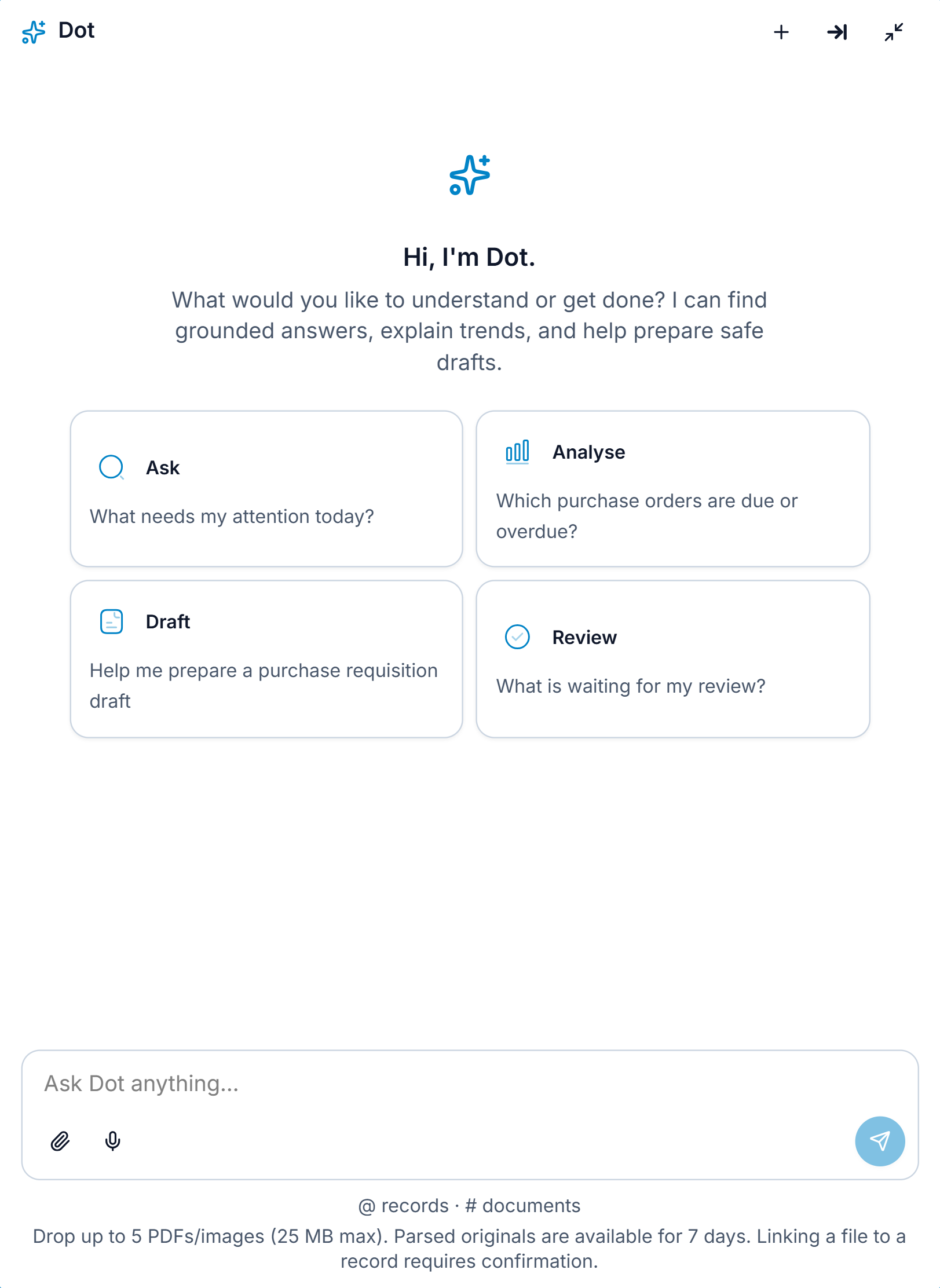
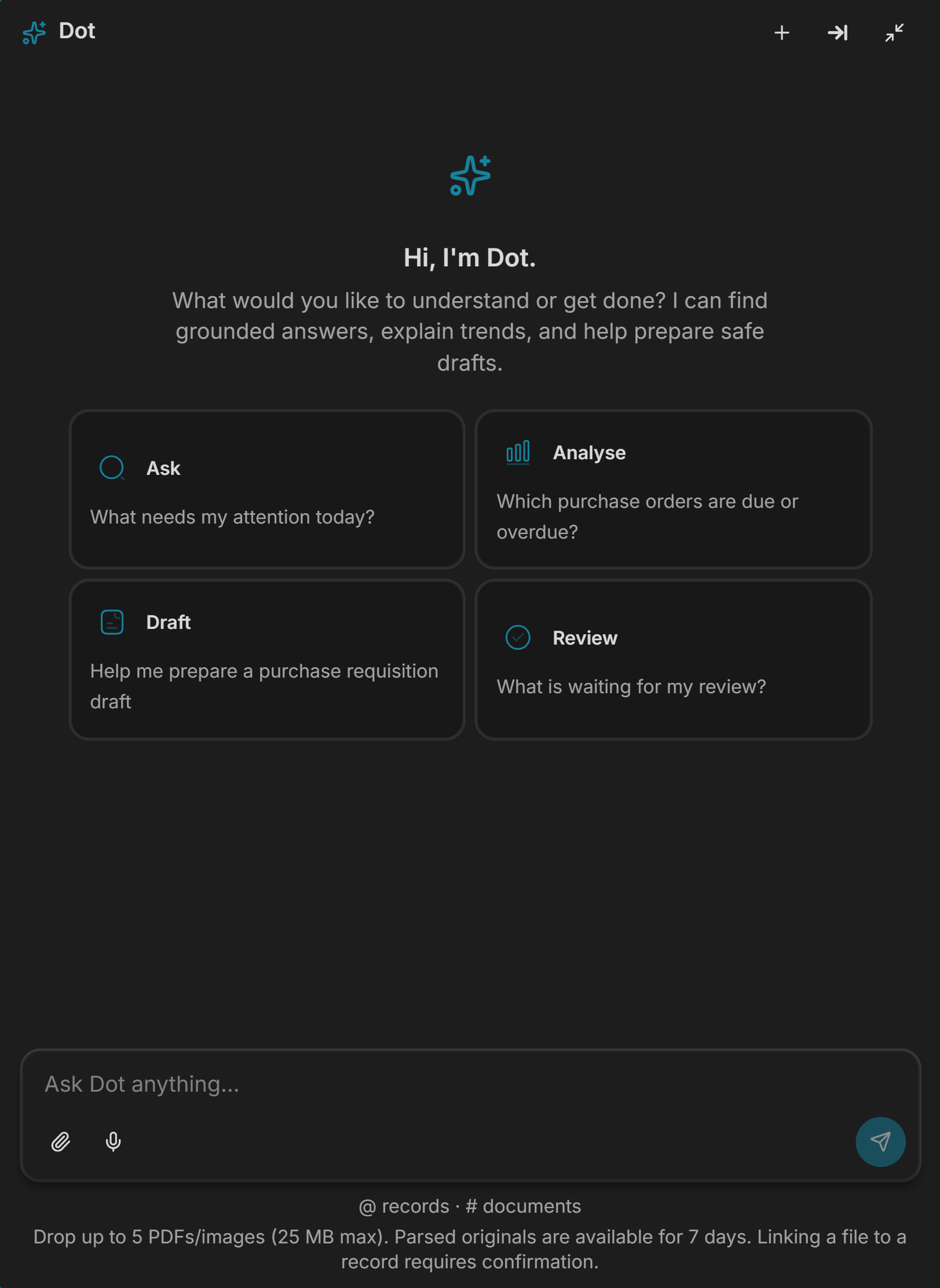
A familiar workspace across your modules helps people pick up the next task without losing their place. Search, review, and follow related work as the day unfolds.
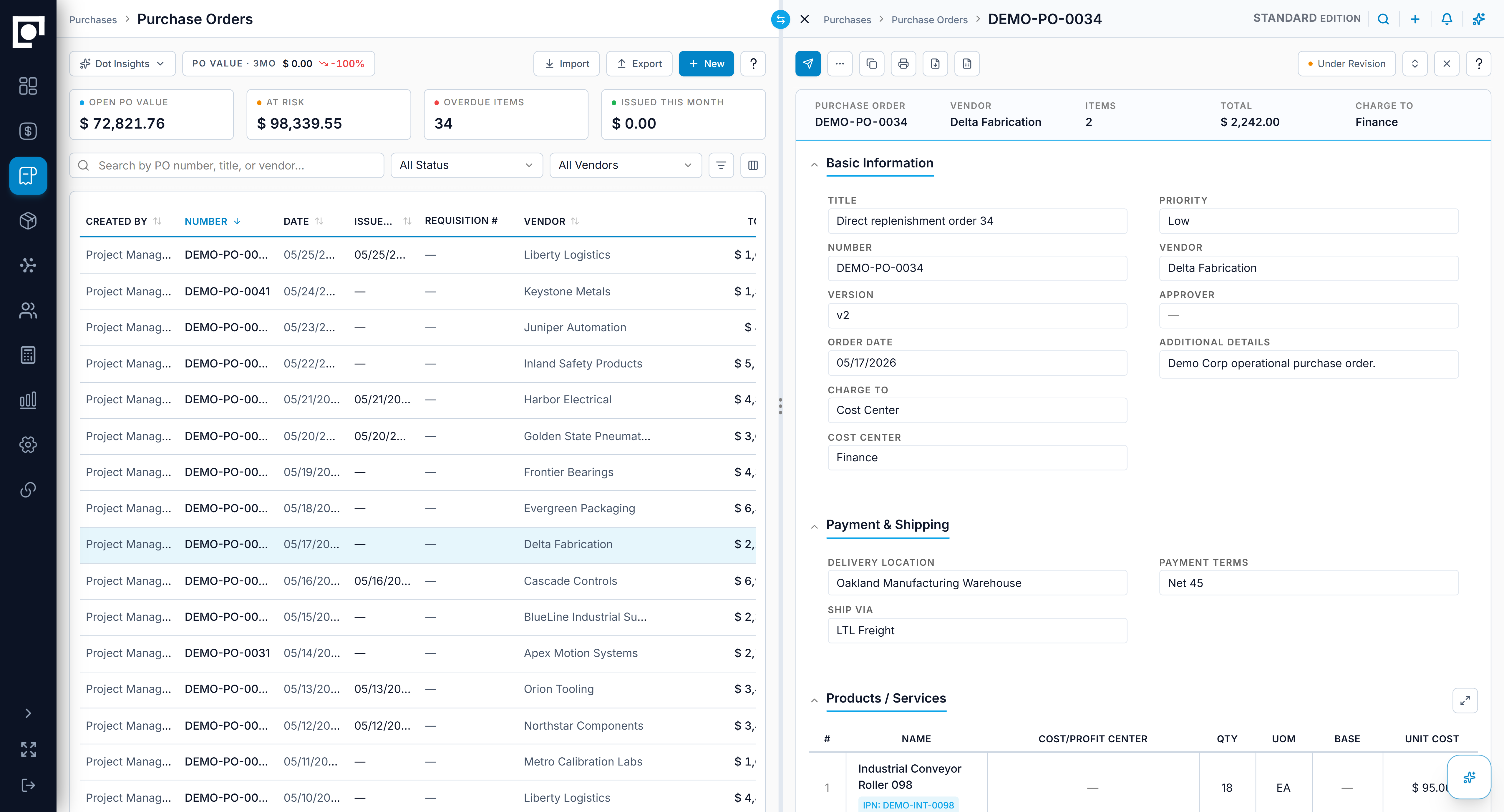
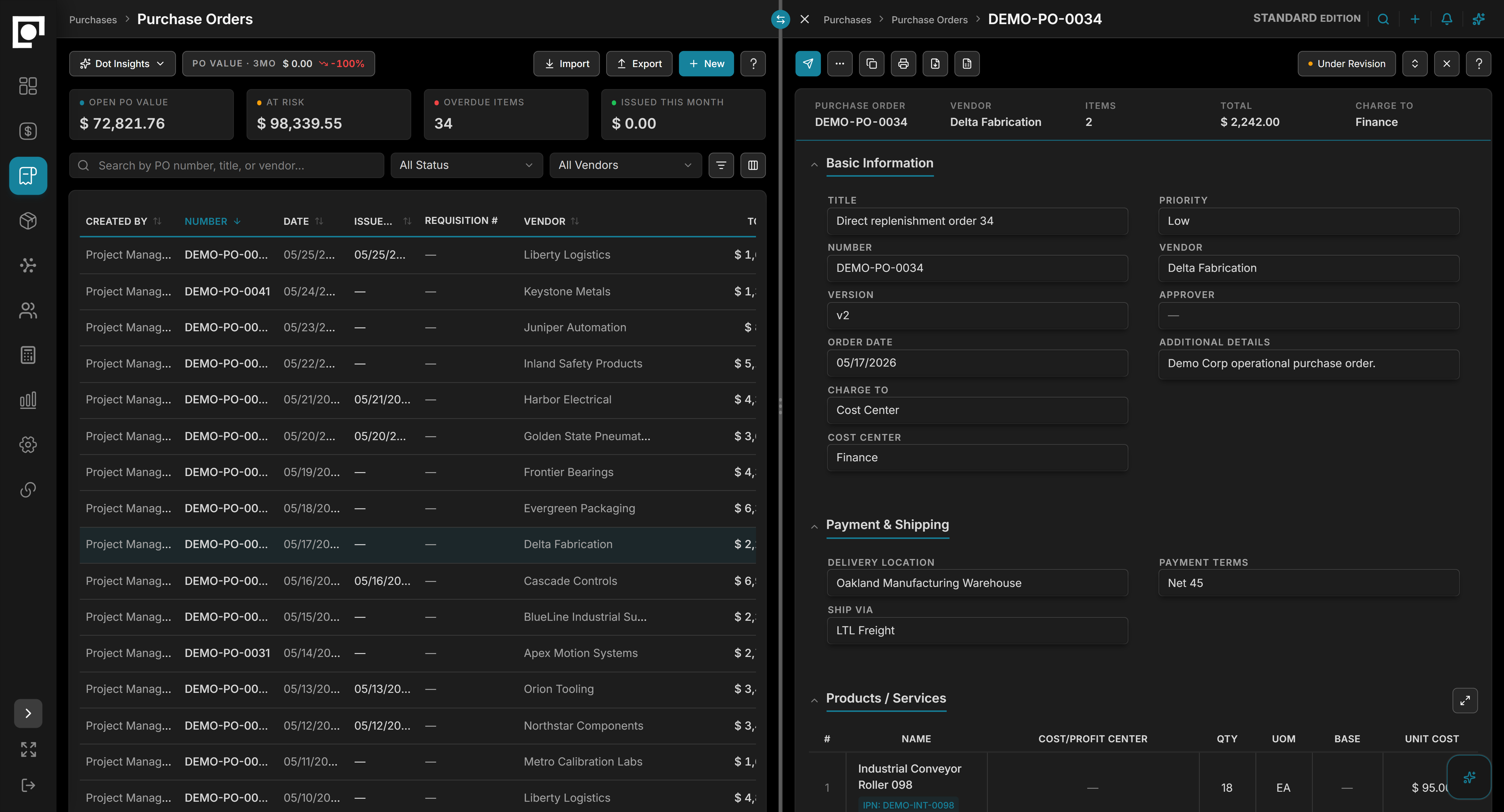
Run your books in Datum, or connect QuickBooks Online or Xero. Work across currencies and keep the financial picture connected to the business behind it.
Explore Accounting →Keep the ledger beside the work that created it, with the records behind every balance close at hand.
Keep the accounting product your team already uses, with approved records moving through a controlled connection.



Datum's architecture supports multiple editions and customizations where needed. Start with the one that fits your operation, then shape it with configuration & settings your team controls. Where the work needs more than configuration can reach, we develop custom modules — and patterns that recur become new editions.
Choose Standard for connected everyday operations, Millwork for specialist production workflows, or Finance for consolidation and reporting across multiple companies and currencies. Each edition shapes the same Datum foundation around the work it serves.
Editions and configuration cover most specialist work. Where they genuinely fall short, we develop company-specific modules — and recurring patterns become new editions.
Isolation, permissions, and auditability are built into the platform.
Each company’s records are stored separately, and access is checked before any of them open.
Permissions govern what each user and AI action can see and do.
Critical business actions remain attributable and traceable.
Built toward SOC 2 readiness with OWASP Top 10-informed engineering.
Datum is an operations-first, AI-native ERP for growing businesses. It delivers the breadth of an ERP without the complexity and implementation burden traditionally associated with ERPs. Sales, purchasing, inventory, projects, manufacturing, accounting, and cash flow run in one intuitive workspace.
Datum is designed for businesses that have outgrown spreadsheets and disconnected tools, and need operations, accounting, and decision-making to work from the same information. It suits teams that want clearer control over purchasing, inventory, projects, production, accounting, and financial reporting without losing the context behind the work. The fit is a growing business that wants broad ERP coverage without a traditional ERP implementation.
Datum delivers the breadth of an ERP without the complexity and implementation burden traditionally associated with ERPs. Work stays connected from sales and purchasing through inventory, projects, production, and accounting, in a workspace built to be intuitive in daily use rather than weighed down by modules and screens most businesses never use. It is not an enterprise-heavy ERP, not a lengthy consulting-led implementation, not an accounting-first system, not a narrow point solution, and not an AI chatbot added to a legacy ERP.
Less time than a traditional ERP rollout. Configuration comes before custom development, so most setup is roles, approvals, and settings rather than code. Imports and onboarding are Dot-assisted. Dot cleans up and maps data from CSVs, PDFs, and existing tools which shortens the move. Go-live timing depends on the edition, your data, integrations, and any custom work.
It can, but it does not have to. Datum has its own accounting built in. You can also keep QuickBooks Online or Xero as your books and connect them. Either way, the work behind each figure stays in Datum.
Dot is the AI built into Datum. It answers questions from your own records, within the same permissions as the person asking, and proposes the next step. Anything consequential waits for your confirmation before it is applied.