Accounting integrations

Run operations in Datum.
Keep the books in sync.

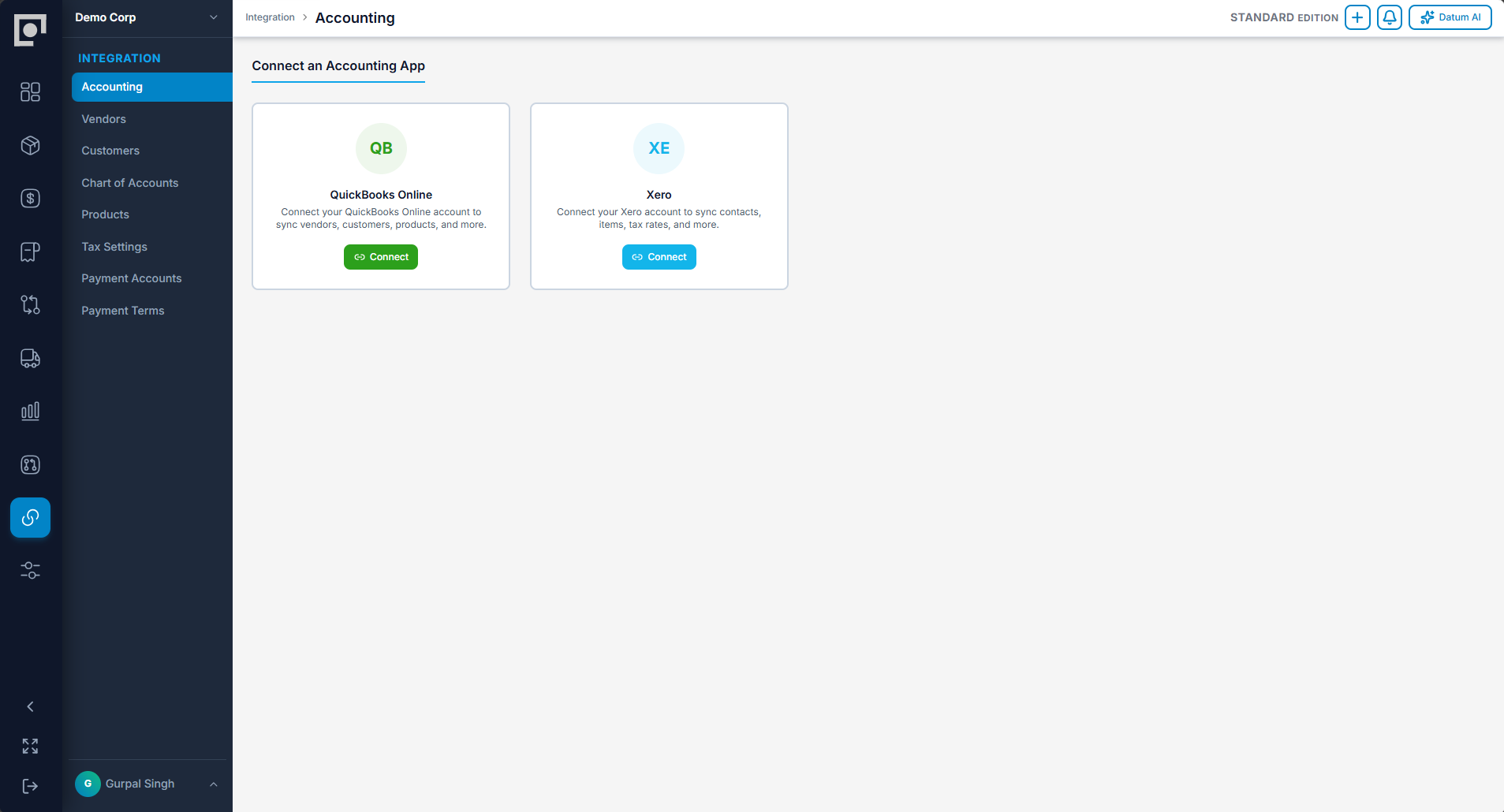
Datum connects two ways with QuickBooks Online and Xero, keeping operational execution and the financial books aligned without making operators work inside accounting software.

Datum accounting integration workspace

Sync what is ready.
See exactly what happened.

Drafts stay in Datum. Final records enter a visible staging area, sync with external IDs, and retain a complete history of every attempt.

01

Review

Only posted or approved documents become eligible for sync.

02

Confirm

Select records individually or in a controlled batch.

03

Synchronize

Create or update the linked record without duplication.

04

Trace

See status, external ID, time, user, errors, and retries.

Business objectAccounting → DatumDatum → Accounting
Vendors & customersImport and linkCreate and update
Accounts & tax codesImport and mapCarry mapped coding
Products & itemsImport and reconcileCreate and update
Vendor billsMirror accounting-native recordsPush approved bills
Sales invoicesPull status and referencesPush posted invoices
Payments & receiptsPull paid statusPush recorded allocations
Credits & voidsMirror linked changesPush controlled reversals

Built for the messy realities of accounting connections.

Reconnect to the same company cleanly. Pause sync without losing links. Switch providers through an explicit, reviewable process.

Duplicate protectionExternal identifiers keep updates connected to the right record.
Retry visibilityFailures remain visible, explainable, and individually retryable.
Provider switchingClear confirmation protects mappings when the books change.
Immutable sync historyEvery import, push, retry, and connection event is recorded.

Keep operators moving and accountants informed.

Book a walkthrough